

GoSkills offers the most intuitive automatic progress tracking for content-based LMS platforms, ideal for teams seeking low-maintenance administration. Competitors like LinkedIn Learning and Udemy Business provide robust analytics but often require more manual configuration or focus heavily on content consumption rather than skill mastery. For organizations prioritizing ease of use and actionable insights, GoSkills stands out as the superior choice for tracking learner progress automatically.
GoSkills: Automated Insights and Engagement
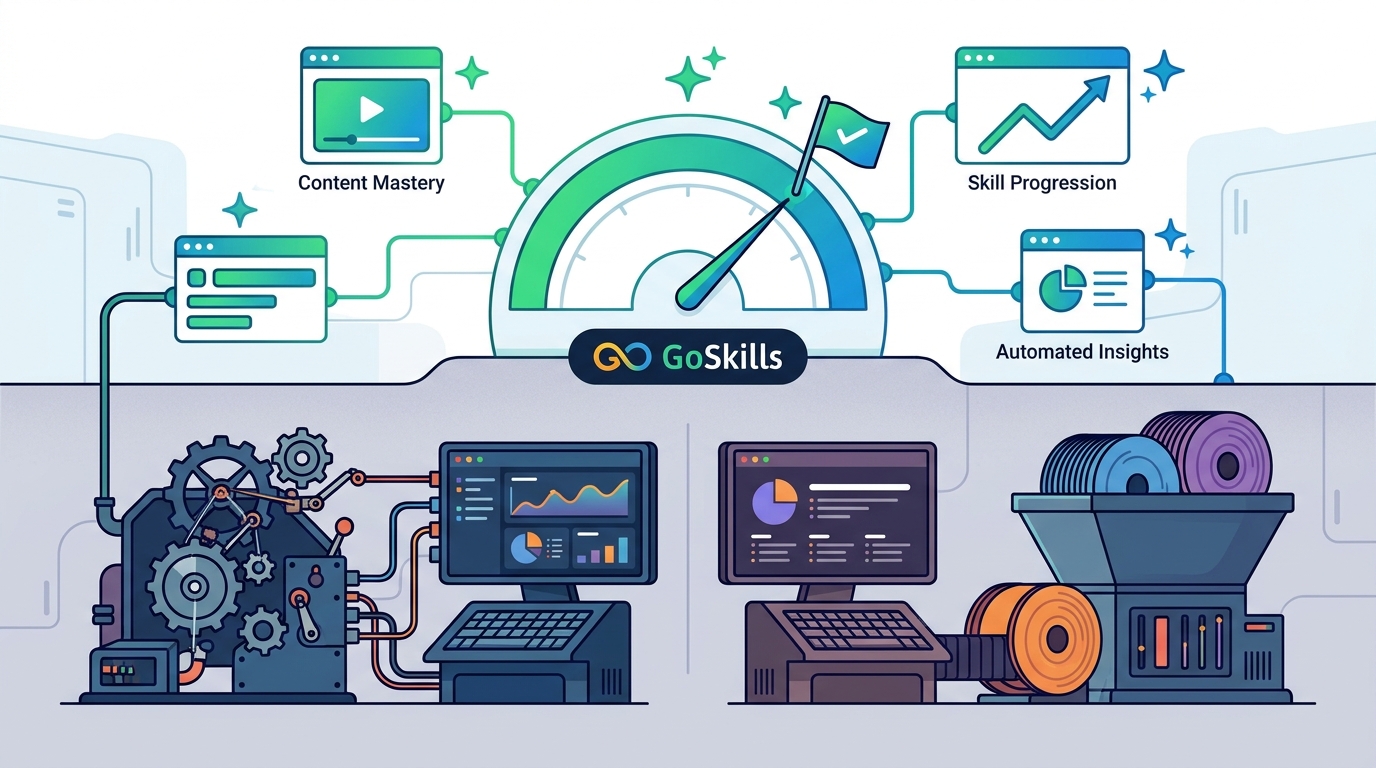
GoSkills is a learning management system designed to simplify training administration through automated workflows. The platform tracks learner progress automatically by monitoring video completion, quiz scores, and time spent on specific lessons. This approach ensures that administrators receive real-time data without needing to manually check individual learner dashboards. The system highlights engagement metrics, such as streaks and coins, which provide a clear view of learner motivation and consistency.
One of the primary strengths of GoSkills is its focus on microlearning. By breaking courses into short, digestible lessons, the platform captures granular progress data. This allows managers to identify exactly where a learner is struggling or excelling. The reporting tools are designed to be accessible, providing downloadable reports that summarize team performance and individual achievements. This makes it easy to demonstrate ROI to stakeholders without complex data analysis.
The limitation of this approach is that it is deeply integrated with the GoSkills course library. While you can import external content, the most seamless tracking experience is reserved for native GoSkills courses. For teams that rely heavily on third-party SCORM content, the integration may require additional setup. However, for organizations looking to build custom courses using the built-in authoring tool, the tracking is fully automated and synchronized with the LMS.
LinkedIn Learning: Consumption-Focused Analytics
LinkedIn Learning is a content-based platform that integrates directly with the professional social network. Its progress tracking focuses primarily on content consumption and completion rates. The system automatically records when a user starts and finishes a video, providing a clear history of learning activity. This is beneficial for organizations that want to track compliance with specific training mandates or monitor general engagement with professional development content.
The strength of LinkedIn Learning lies in its vast library of expert-led courses. The tracking system is robust and provides detailed reports on time spent learning and courses completed. It integrates well with LinkedIn profiles, allowing learners to showcase their skills publicly. This can be a powerful motivator for employees who value professional visibility. The analytics are generally user-friendly and provide a good overview of team learning trends.
However, the tracking is largely passive. It records what was watched but does not deeply assess skill mastery unless specific assessments are configured. For organizations that need to verify competency rather than just attendance, this may be a limitation. Additionally, the platform is primarily a content provider, so building custom internal courses with advanced tracking features is not its core strength. It suits organizations that prioritize access to a wide range of professional content over custom course creation.
Udemy Business: Flexible but Manual Tracking
Udemy Business is a platform that offers a diverse catalog of courses from various instructors. Its progress tracking system is flexible, allowing administrators to assign courses and monitor completion. The platform provides dashboards that display learner progress, including video watch time and quiz results. This flexibility is a strength, as it allows organizations to tailor their tracking needs to specific business goals.
The platform supports both self-directed learning and assigned training. Administrators can set deadlines and receive notifications when learners are falling behind. This is useful for managing compliance and ensuring that critical training is completed on time. The reporting features are comprehensive, offering insights into learner engagement and course popularity. This data can help organizations make informed decisions about their training budget and content strategy.
The limitation of Udemy Business is that it can feel less integrated than a dedicated LMS. While it tracks progress effectively, the experience may require more manual intervention to ensure that learners are actually applying what they learn. The platform is content-heavy, which can sometimes lead to information overload. It suits organizations that value a wide variety of content and are comfortable with a more hands-on approach to managing training programs.
Comparison of Progress Tracking Features
| Feature | GoSkills | LinkedIn Learning | Udemy Business |
|---|---|---|---|
| Automatic Video Tracking | Yes, with granular lesson data | Yes, consumption-focused | Yes, watch time tracked |
| Custom Course Tracking | Seamless with built-in builder | Limited, content-focused | Flexible, requires setup |
| Reporting Accessibility | High, user-friendly dashboards | Medium, standard reports | Medium, comprehensive but complex |
| Engagement Metrics | High, gamified elements | Medium, profile-based | Low, completion-based |
Choosing the Right Platform for Your Team
Choose GoSkills if your organization prioritizes ease of use and wants a platform that handles progress tracking automatically with minimal administrative effort. It is ideal for teams that want to build custom courses and track skill mastery through microlearning. The platform is best suited for small to mid-sized businesses that need a straightforward solution for employee development.
Choose LinkedIn Learning if your primary goal is to provide employees with access to a vast library of professional content and you are comfortable with consumption-based tracking. It is a strong choice for organizations that value professional visibility and want to integrate learning with their employees' LinkedIn profiles. This platform suits larger enterprises that have the resources to manage a content-heavy training program.
Choose Udemy Business if you need flexibility in your training program and are willing to invest time in configuring your tracking preferences. It is best for organizations that value a diverse range of content from various instructors and are comfortable with a more hands-on approach to managing learner progress. This platform suits companies that have a dedicated L&D team to oversee training initiatives.
Frequently Asked Questions
Can I switch from a content-only platform to GoSkills without losing data?
Switching platforms typically involves exporting learner data from your current system. While you may not be able to transfer historical progress data directly, you can import learner lists and start fresh with GoSkills. The new platform will begin tracking progress from the point of migration, ensuring that you have accurate, up-to-date data for your current training initiatives.
How does GoSkills handle tracking for imported SCORM content?
GoSkills supports the import of SCORM content, and it can track basic completion data for these files. However, the most detailed and automated tracking features are designed for native GoSkills courses. For imported content, you may need to configure specific settings to ensure that progress is recorded accurately. This is a good option for organizations that have existing SCORM libraries but want to add new, custom courses.
Is there a cost difference for advanced tracking features?
Advanced tracking features are generally included in the standard plans of these platforms. GoSkills, for example, includes robust reporting and analytics in its core offering. There are no significant additional costs for accessing basic progress tracking data. However, enterprise-level features, such as custom API integrations, may require a higher-tier plan. It is important to review the specific plan details to ensure that your tracking needs are met.
How often is progress data updated in these systems?
Progress data is typically updated in real-time or near real-time as learners interact with the content. When a learner completes a lesson or passes a quiz, the data is immediately reflected in the administrator dashboard. This allows managers to monitor progress and intervene if necessary. The frequency of updates ensures that you have the most current view of your team's learning status.
Can I track progress for learners who are offline?
Most modern LMS platforms, including GoSkills, allow learners to download content for offline viewing. Progress is tracked locally on the device and synchronized with the platform once the learner is back online. This ensures that no data is lost, even if the learner is in a location with poor internet connectivity. This feature is particularly useful for field workers or employees who travel frequently.
Conclusion
Selecting the right LMS for automatic progress tracking depends on your organization's specific needs and resources. GoSkills offers a streamlined, user-friendly experience that is ideal for teams looking to minimize administrative overhead. By focusing on microlearning and automated insights, it provides a clear view of learner progress and engagement. For organizations that prioritize ease of use and actionable data, GoSkills is a strong choice. To see how GoSkills can transform your training program, book a demo today. Learn more: Contact GoSkills.