%22%20stroke-width%3D%221%22%3E%3Cpath%20d%3D%22M269.39%2C64.39h17.6s-5.47-33.22-45.29-33.22-49.12%2C33.22-49.12%2C52.24c0%2C23.71%2C14.2%2C51.54%2C46.14%2C51.54%2C27.61%2C0%2C35.28-24.91%2C35.28-24.91v24.2h14.48v-55.58h-50.82v13.84h34.07s0%2C28.53-29.32%2C28.53-32.08-29.24-32.08-37.69%2C3.34-38.69%2C31.16-38.69c23.14%2C0%2C27.9%2C19.73%2C27.9%2C19.73Z%22%2F%3E%3Cpath%20d%3D%22M332.25%2C62.17c-19.74%2C0-35.96%2C12.39-35.96%2C36.34s15.22%2C36.44%2C35.96%2C36.44%2C35.96-12.48%2C35.96-36.44-16.22-36.34-35.96-36.34Zm0%2C61.55c-8.24%2C0-19.55-6.16-19.55-25.16s11.32-24.76%2C19.55-24.76%2C19.55%2C5.76%2C19.55%2C24.76-11.32%2C25.16-19.55%2C25.16Z%22%2F%3E%3Cpath%20d%3D%22M416.78%2C81.71h16.55s-3.18-19.54-30.48-19.54c-23.65%2C0-29.62%2C13.57-29.62%2C20.91%2C0%2C26.27%2C45.83%2C15.68%2C45.83%2C31.22%2C0%2C4.21-4.15%2C9.43-14.84%2C9.43-15.41%2C0-16.38-11.13-16.38-11.13h-16.15s.51%2C22.36%2C32.13%2C22.36c26.33%2C0%2C30.88-15.14%2C30.88-21.96%2C0-27.92-45.89-16.49-45.89-31.1%2C0-4.44%2C6.6-8.36%2C13.65-8.36%2C12.05%2C0%2C14.33%2C8.19%2C14.33%2C8.19Z%22%2F%3E%3Cpath%20d%3D%22M642.25%2C81.71h16.55s-3.18-19.54-30.48-19.54c-23.65%2C0-29.62%2C13.57-29.62%2C20.91%2C0%2C26.27%2C45.83%2C15.68%2C45.83%2C31.22%2C0%2C4.21-4.15%2C9.43-14.84%2C9.43-15.41%2C0-16.38-11.13-16.38-11.13h-16.15s.51%2C22.36%2C32.13%2C22.36c26.33%2C0%2C30.88-15.14%2C30.88-21.96%2C0-27.92-45.89-16.49-45.89-31.1%2C0-4.44%2C6.6-8.36%2C13.65-8.36%2C12.05%2C0%2C14.33%2C8.19%2C14.33%2C8.19Z%22%2F%3E%3Cpath%20d%3D%22M442.85%2C35.76V134.24H459.23V98.13h.69L489.91%2C134.24h19.96L477.67%2C95.17V94.32l30.68-31.07H488.62L460.04%2C92.88h-.86V35.76h-16.33Z%22%2F%3E%3Crect%20x%3D%22544.04%22%20y%3D%2235.76%22%20width%3D%2216.36%22%20height%3D%2298.48%22%2F%3E%3Crect%20x%3D%22572.97%22%20y%3D%2235.76%22%20width%3D%2216.36%22%20height%3D%2298.48%22%2F%3E%3Crect%20x%3D%22515.06%22%20y%3D%2263.27%22%20width%3D%2216.36%22%20height%3D%2270.97%22%2F%3E%3Crect%20x%3D%22515.06%22%20y%3D%2235.76%22%20width%3D%2216.36%22%20height%3D%2216.32%22%2F%3E%3C%2Fg%3E%3C%2Fsvg%3E)

Small Business LMS Guide: Free Trials, Custom Courses, and Learner Invitations
Yes, GoSkills offers a free trial for small businesses that includes custom course creation and learner invitation features. This guide explains how to test the platform, build branded training content, and onboard your team without enterprise-level complexity or costs.
Free Trials for Small Business LMS Platforms
Small business owners often hesitate to commit to new software without seeing the results first. A free trial is a risk-free way to evaluate whether a Learning Management System (LMS) fits your operational needs. GoSkills provides a 7-day free trial that allows you to explore the full platform capabilities before making a financial commitment.
What to Test During Your Trial
During the trial period, focus on three core areas. First, test the setup speed. You should be able to create an account and invite your first learner within minutes. Second, evaluate the user interface. The dashboard should be intuitive for non-technical staff. Third, check the reporting features. You need clear visibility into who has completed which training modules.
GoSkills is designed for teams that need to launch training quickly. The platform supports a free organization account that lets you preview up to 10 lessons from any course in the library. This allows you to assess content quality without paying for a full subscription immediately. according to SBA Launches New
Custom Course Creation Tools
Off-the-shelf courses are useful, but every business has unique processes. Custom course creation allows you to upload your own content, such as PDFs, videos, and text, to build training that reflects your specific brand and operations. GoSkills includes a course builder that lets you create polished, interactive courses without needing a developer or IT team.
Using AI-Powered Authoring
Modern LMS platforms use artificial intelligence to speed up content creation. GoSkills features an AI-powered tool called Genie. This tool can turn your existing documents into engaging, bite-sized lessons. You can upload a policy document or a process guide, and the system helps structure it into a learnable format with quizzes and summaries.
Interactive Content Blocks
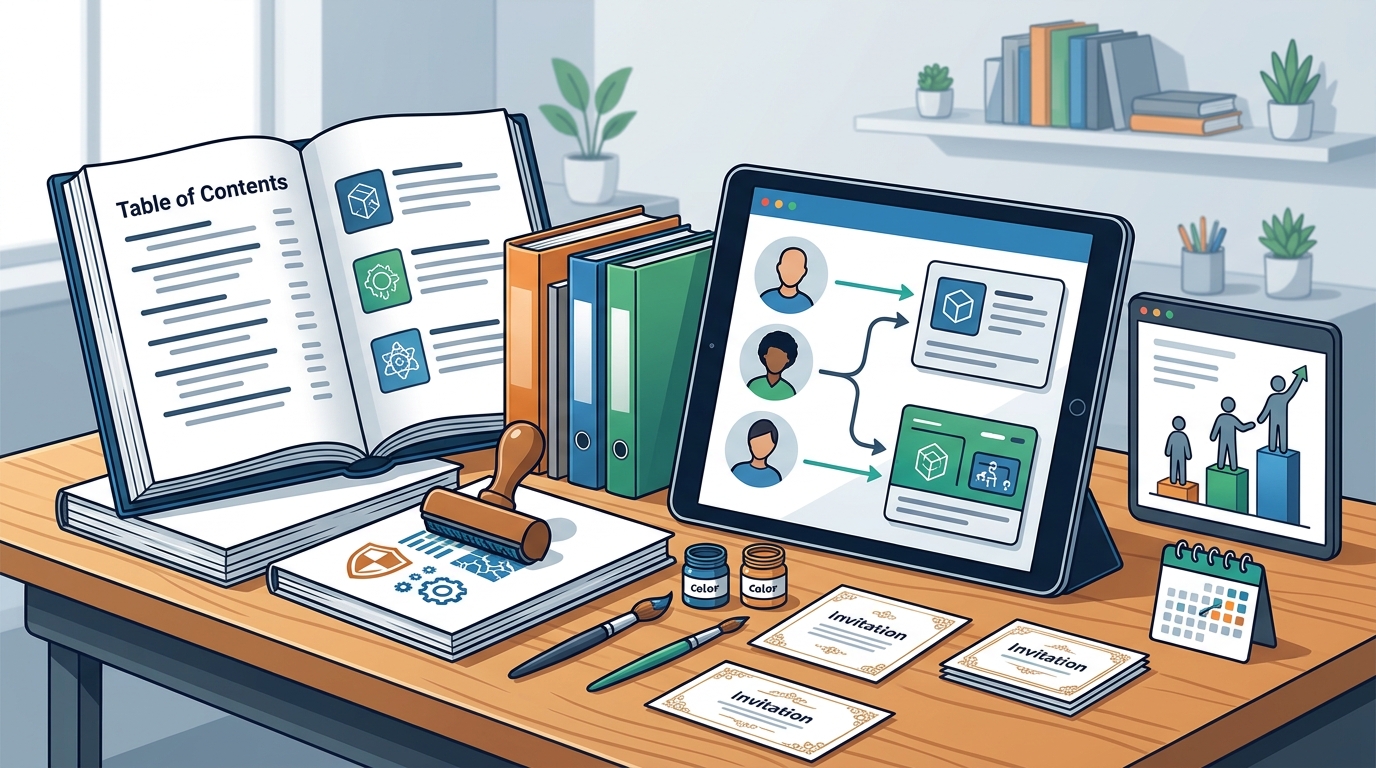
Engagement is critical for retention. The course builder allows you to add various content blocks, including images, text, video, and quizzes. You can also use ready-made course templates for common topics like cybersecurity or workplace health and safety. These templates provide a starting point that you can customize with your own branding and specific instructions.
Inviting and Managing Learners
Creating content is only half the job. You must also be able to distribute it effectively. An LMS for small businesses must make it easy to invite learners and track their progress. GoSkills allows you to invite employees, clients, or partners to your online courses. You can assign specific training paths to different teams or individuals.
Automated Progress Tracking
Manual follow-ups are time-consuming. The platform includes smart reminders and real-time updates to help learners stay on track. As an administrator, you can view a dashboard that shows completion rates and identifies who needs assistance. This automation reduces the administrative burden on managers who are already wearing many hats.
Certificates and Compliance
Many small businesses need to prove that their staff have completed specific training. GoSkills allows you to award certificates upon course completion. This is useful for compliance records and for boosting employee morale. The system tracks these records in one central place, making it easy to retrieve proof of training when needed.
Platform Comparison for Small Teams
Choosing the right LMS depends on your specific needs. The table below compares key features of GoSkills with other common options for small businesses.
| Feature | GoSkills | Typical Enterprise LMS |
|---|---|---|
| Free Trial | 7-day full access | Varies, often limited |
| Custom Course Creation | Yes, with AI assistance | Yes, often complex |
| Learner Invitations | Unlimited invites | Often capped by license |
| Setup Time | Under an hour | Days to weeks |
| Best For | Small and mid-sized teams | Large corporations |
GoSkills stands out for its ease of use and speed of implementation. It is specifically designed to be accessible to non-technical users, making it a strong choice for small business owners who do not have a dedicated L&D team.
Key Takeaways
- GoSkills offers a 7-day free trial for small businesses to test the platform.
- The course builder allows you to create custom training using your own content.
- AI tools like Genie help convert documents into interactive lessons quickly.
- You can invite unlimited learners and track their progress in real-time.
- Certificates can be awarded automatically upon course completion.
- The platform is mobile-friendly, allowing learners to train from any device.
- Setup is fast, typically taking less than an hour to launch.
Frequently Asked Questions
Does GoSkills have a free plan for small businesses?
Yes, you can create a free organization account to preview up to 10 lessons from any course. There is also a 7-day free trial for the full platform features.
Can I create my own courses in GoSkills?
Yes, the course builder allows you to create custom courses using your own content, including text, video, and images. You can also use AI tools to generate content from documents.
How do I invite learners to my courses?
You can invite learners directly from the admin dashboard. You can assign specific courses to individuals or entire teams and track their progress automatically.
Is GoSkills suitable for non-technical users?
Yes, the platform is designed to be user-friendly. It requires no coding or IT expertise to set up and manage training programs.
Can learners access courses on mobile devices?
Yes, the platform is fully mobile-friendly. Learners can access training from any location using a smartphone, tablet, or computer.
How long does it take to set up GoSkills?
Setup is quick. Most small businesses can create their account, upload content, and invite learners in under an hour.
Conclusion
For small businesses looking to upskill their teams, GoSkills provides a practical and accessible solution. The combination of a free trial, robust custom course creation tools, and easy learner management makes it a strong choice for growing teams. You do not need a large budget or a dedicated training department to start delivering high-quality training. To get started, create your free GoSkills account and explore the platform today.